


A couple of weeks ago, we got a call from the Minnesota Department of Transportation after a DOT inspection. The agent asked if a specific trucker has an ELD account with us. We want to make it clear that we gave no private data to the agent, just confirmed the subscription. But that’s a good example of what inspectors look for during a DOT inspection.
Cutting compliance costs is a separate question from passing the inspection: see how to find E Logs without contracts so you are not paying a long-term contract for hours-of-service tracking you barely use.
Your ELD is only part of an inspection. Make sure your truck maintenance records are current before you roll through the scales.
Replacing the unit instead of fixing it? Start with our cheap ELD buying guide for owner-operators before you pay for features the mandate never asked for.
Waiting hours at a dock is another place your ELD earns its keep: the same records that satisfy an inspector also prove a detention pay claim when a shipper says you showed up late.
If that check turns up a device that is no longer registered, read this next: you need a new ELD.
Roadcheck week is also a maintenance deadline: see how truck maintenance gets you through the CVSA Roadcheck faster.
During a DOT inspection, the inspector checks that your ELD is working properly and recording your hours of service accurately. Inspectors may also verify that you have an active ELD subscription with your provider.
Your ELD collects more than hours of service — here is what telematics data your system is gathering and who controls it.
Was the trucker blaming the ELD for failing to work? We’re not sure.
Recently, we’ve heard about other states having truck inspections on the road. At each of them, they pulled trucks from the road because their ELD wasn’t working properly. The 2026 CVSA Roadcheck’s focus is the ELD and making sure that it’s properly working and recording accurately the hours of service for the driver.
How comfortable are you with your ELD?
Are you ready for a DOT inspection of your E-Log?
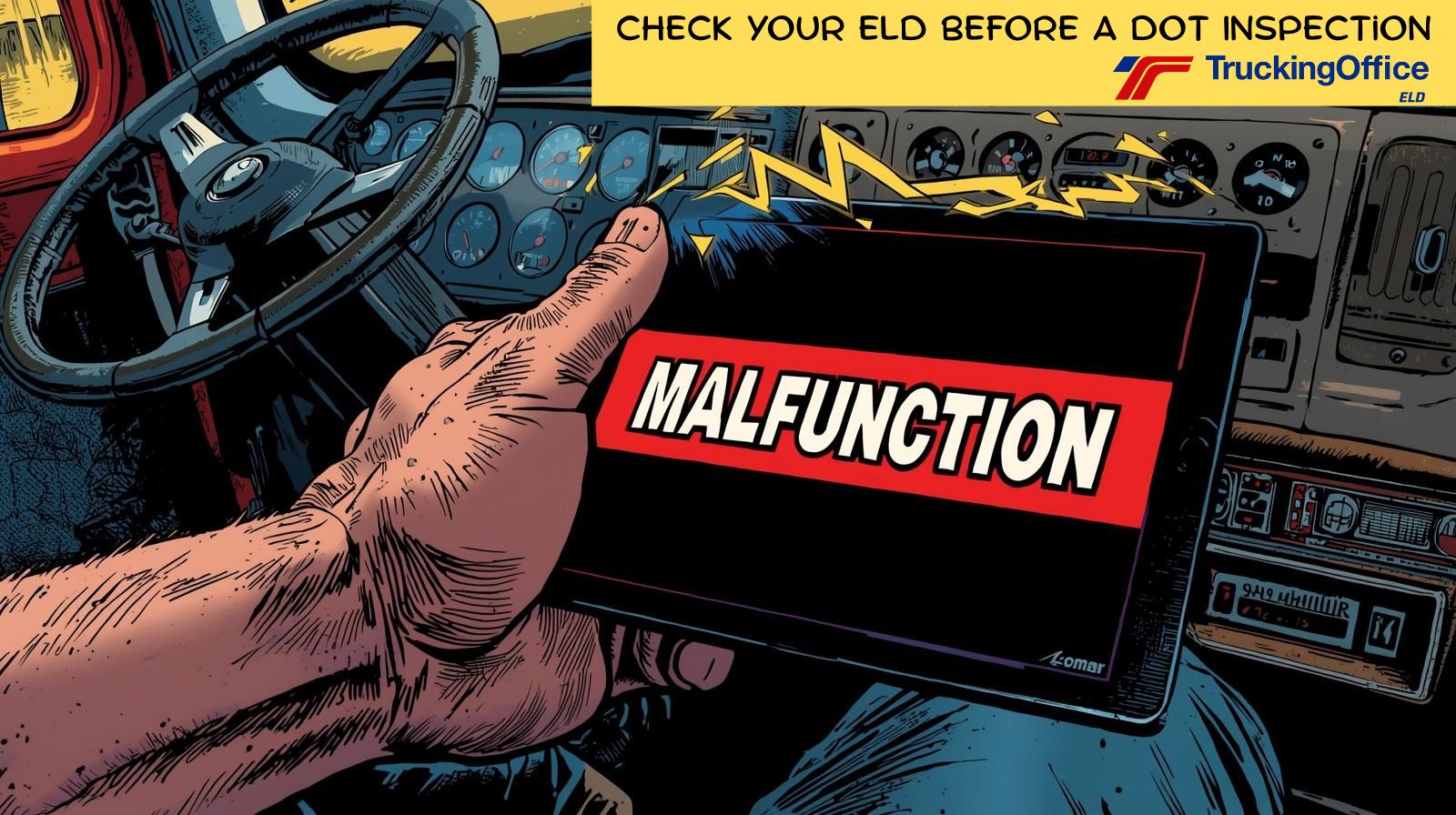
If you use a TruckingOffice ELD, it’s pretty easy to install and use. Once the vehicle interface device (VID) is installed and the app is installed and configured, a trucker will know immediately that the system is working. When everything is good, three green lights show up across the top of the screen on the app. When there’s a problem, a big red banner shows up that will grab the trucker’s attention. The word MALFUNCTION will provide a link to the support page to explain how to solve the problem.
Fix the problems before the DOT inspector fixes you.
When the power goes out at home, the first step is to check the circuit breakers. Then we call the electric company.
With the ELD, that translates to check the app, then call TruckingOffice support.
That’s because nearly every ELD malfunction is solved by the trucker, not by the office. Most of the time, the simple solution is to follow the steps listed on the app. That’s up to the driver, not the support staff.
It’s important to take care of the malfunctions as quickly as possible. The system will record the malfunction at every status change, so there’s no hiding it.
DOT Inspections Don’t Have To Be Scary
Keeping your rig in good shape year-round is the best preparation for the DOT inspection. A regular DVIR will locate problems before they cause a crisis. Scheduling maintenance (either by mileage or by dates) will prevent issues that could lead to a DOT inspector putting a truck off the road for safety issues.
Tracking all that data and keeping maintenance records can be complicated – or it can be simple and organized. Choosing to empty the truck’s glove box into a shoebox isn’t organization, as much as we’d like to, and just throw it into a closet.
DOT can request a maintenance file on any commercial vehicle. FMCSA won’t like the shoebox storage system. That’s where a trucking management software like TruckingOffice PRO can help. Not only will it organize maintenance records (and help you schedule future maintenance) but it will track those maintenance expenses to oversee the business’s cash flow.
Organize for Your DOT Inspection
A DOT inspection is inevitable, so it makes sense to prepare. Keeping one’s rig in safe shape is step 1. Step 2 is keeping your trucking business organized. Then step 3 is being prepared for the inspection. Have the required paperwork ready, make sure your DVIRs are handy, and your medical card is up to date in the federal database.
In the end, how you prepare for the inspection will impact how you get through it. Prep your rig, fix the problems you find, and get organized to get through it as quickly as possible. We can’t avoid DOT inspections, but we can accept that they’re just part of the job.
ELD DOT Inspection FAQ
What does a DOT inspector check on an ELD?
A DOT inspector checks that the ELD is working properly and recording the driver’s hours of service accurately. Inspectors may also contact the ELD provider to confirm the trucker has an active ELD subscription — exactly what the Minnesota DOT did in the inspection described above.
What is the focus of the 2026 CVSA Roadcheck?
The 2026 CVSA Roadcheck focuses on the ELD — making sure it is properly working and accurately recording the driver’s hours of service. At recent roadside inspections, trucks have been pulled from the road because their ELDs weren’t working properly.
How do I know if my ELD is malfunctioning?
A TruckingOffice ELD shows three green lights across the top of the app when everything is working. When there’s a problem, a big red MALFUNCTION banner appears with a link to the support page. Fix malfunctions quickly — the system records the malfunction at every status change, so there’s no hiding it.
Can the DOT request my truck’s maintenance records?
Yes. The DOT can request a maintenance file on any commercial vehicle. Trucking management software like TruckingOffice PRO organizes maintenance records, helps schedule future maintenance, and tracks maintenance expenses.
Recent Comments